
How to Add an AI Shopping Assistant to Your Shopify Store

You can have a working AI shopping assistant on your Shopify store in under an hour. No developer, no theme rebuild. Here’s the exact process, from connecting your catalog to seeing the first results in your dashboard.
Quick answer: To add an AI shopping assistant to Shopify, install an assistant platform such as Poltio, connect your product catalog, let AI draft the question flow, review the product matching, style the widget to match your theme, place it on your homepage and collection pages, and connect your email platform so shoppers’ answers can be used for segmentation.
What you need before you start
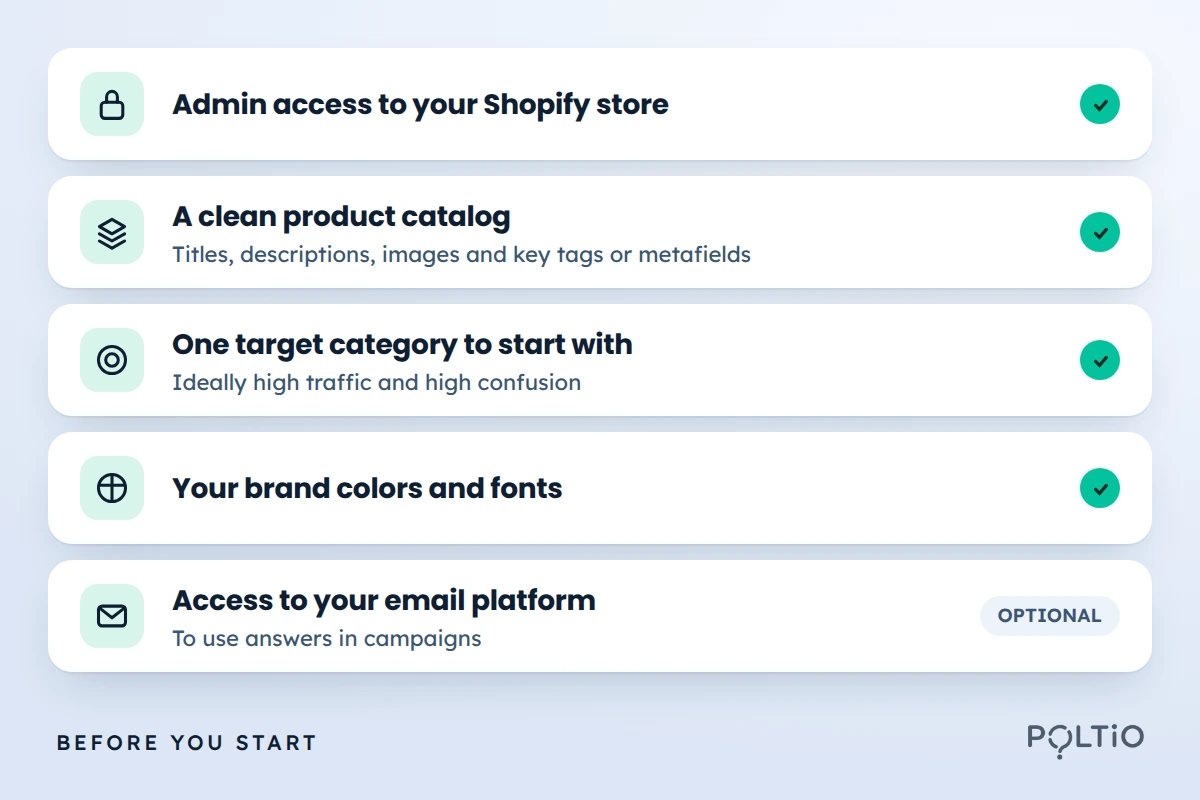
- Admin access to your Shopify store
- A clean product catalog with titles, descriptions, images and key tags or metafields
- One target category to start with, ideally high traffic and high confusion
- Your brand colors and fonts
- Access to your email platform (such as Klaviyo) if you want to use quiz answers in campaigns
How to add an AI shopping assistant to Shopify: 7 steps
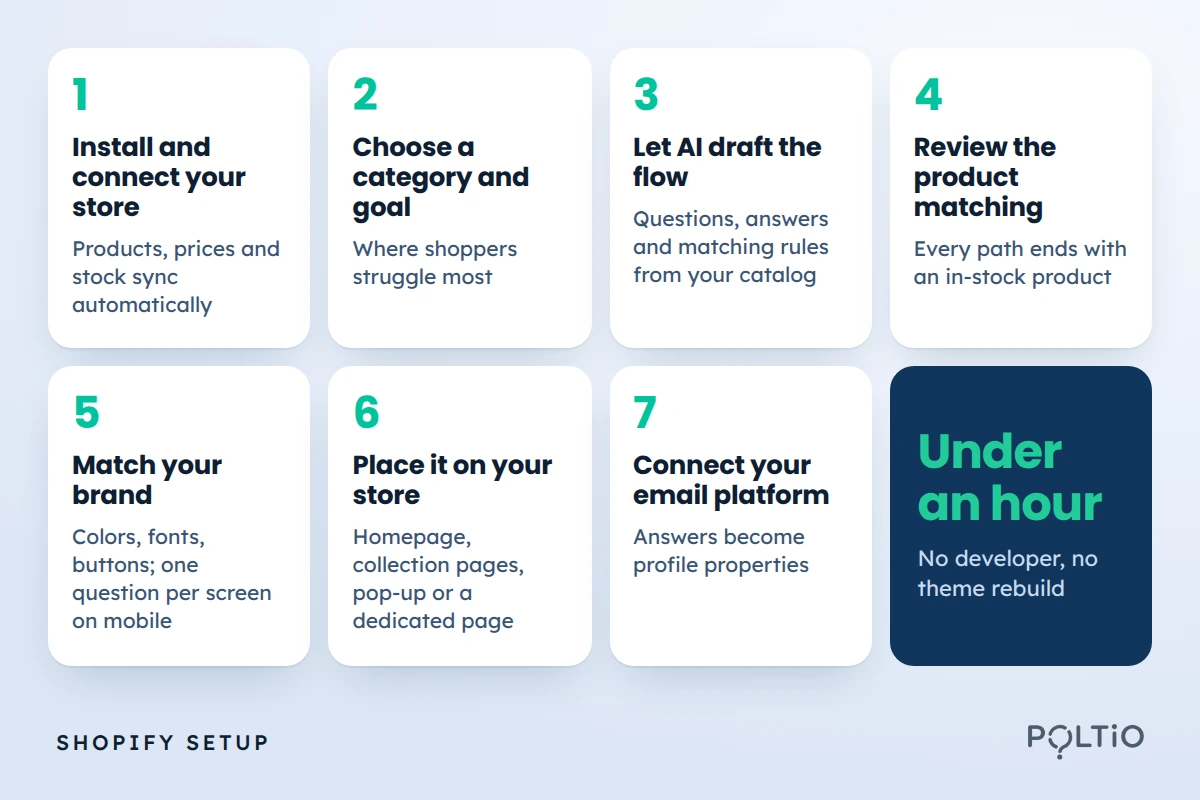
Step 1: Install and connect your store
Sign up for Poltio and connect your Shopify store. Your products, collections, prices and stock sync automatically, so recommendations always reflect what’s available.
Step 2: Choose your first category and goal
Pick one category where shoppers struggle most, like the one with the most products, the most “which one?” customer-service questions or the highest bounce rate. Set a goal: conversion, average order value or email capture.
Step 3: Let AI draft the flow
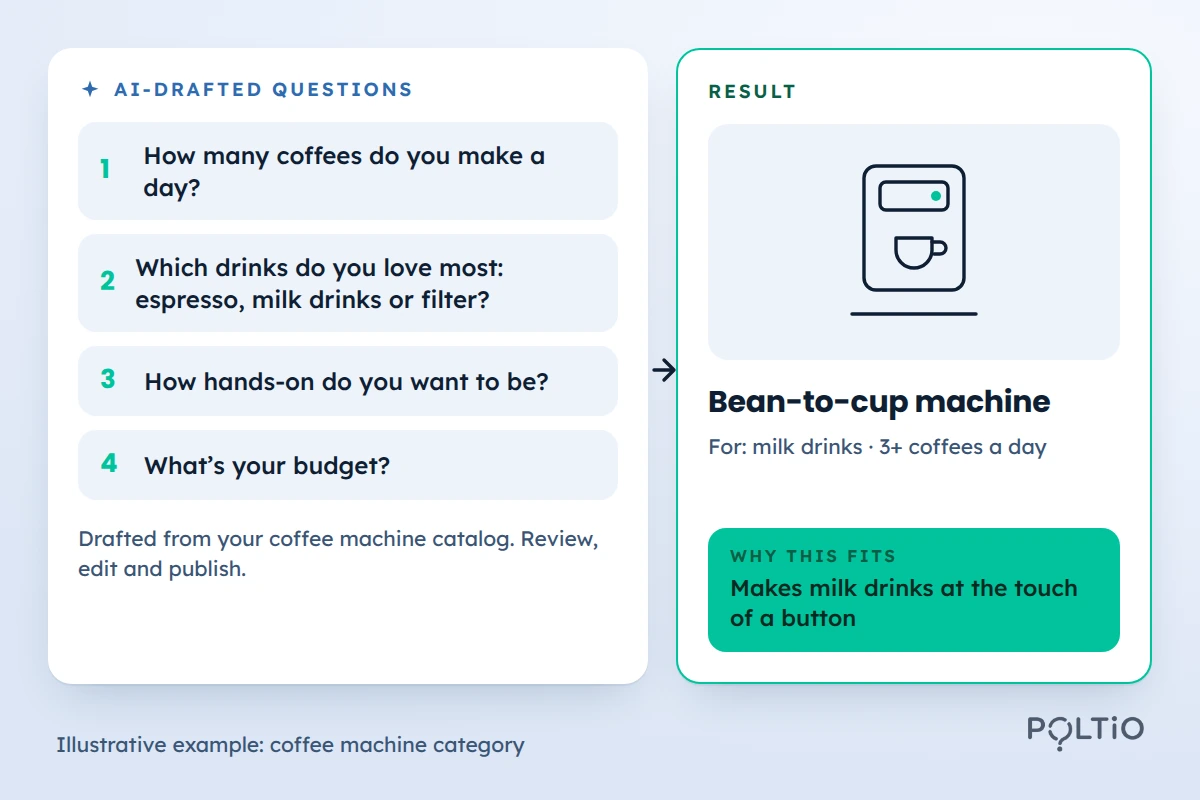
Poltio’s AI-enhanced flow design reads your catalog and drafts needs-based questions, answer options and matching rules. For a coffee machine category, it might suggest:
- How many coffees do you make a day?
- Which drinks do you love most: espresso, milk drinks or filter?
- How hands-on do you want to be?
- What’s your budget?
Step 4: Review the product matching
Check how each answer maps to product attributes. Preview the results for your most common answer paths and make sure every path ends with at least one in-stock product. Add a one-line reason to each result, such as “Makes milk drinks at the touch of a button”.
Step 5: Match your brand
Apply your colors, fonts and button styles. Use images for answer options where the choice is visual. Keep one question per screen on mobile.
Step 6: Place it on your store
Add the assistant to your Shopify theme: as an embedded block on the homepage and collection pages, a pop-up or a dedicated page. See placement tips below.
Step 7: Connect your email platform
Send each shopper’s answers to your CRM or email platform as profile properties. Now “prefers milk drinks, 3+ coffees a day” can trigger a tailored welcome email instead of a generic one.

Where should you place your AI shopping assistant?
Place the assistant where shoppers hesitate. Four placements cover most of the value:
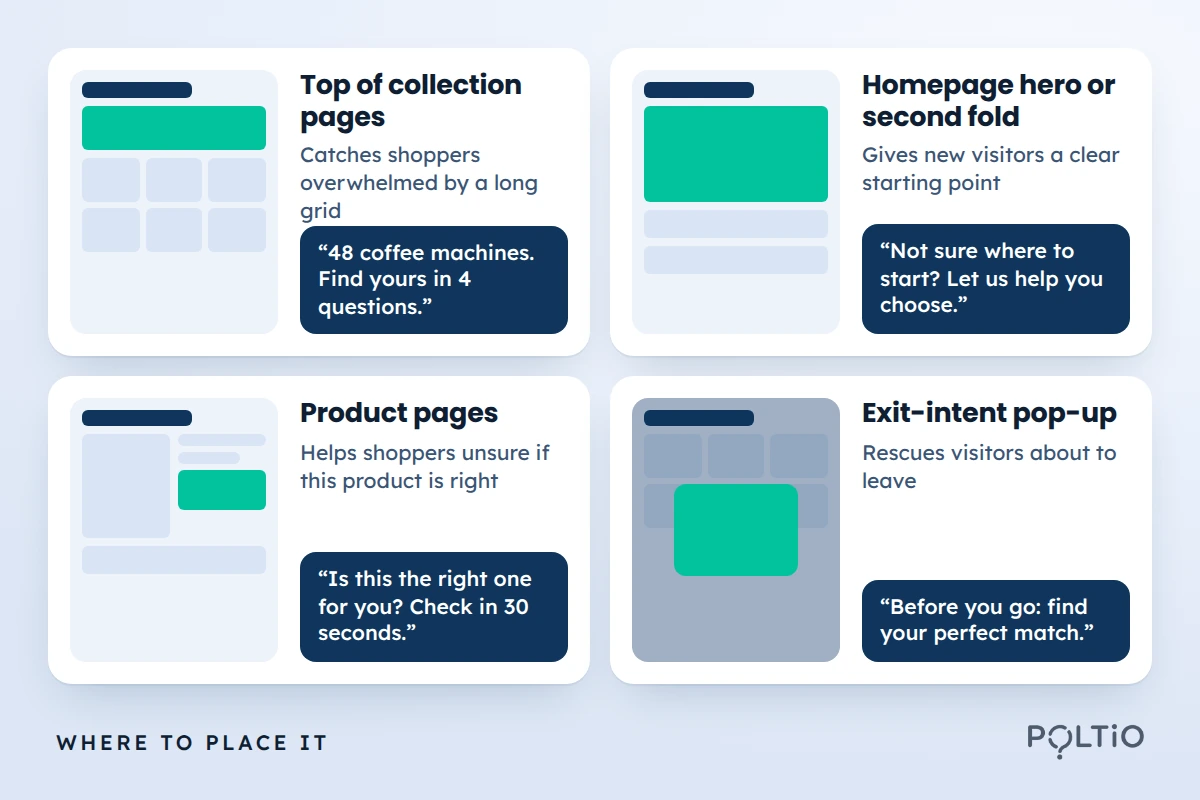
For paid campaigns, send ad traffic straight to a dedicated assistant page so shoppers begin in a guided journey rather than on a generic category page.
How to measure your AI shopping assistant
Track these four metrics for the first 30 days:
- Engagement rate: the share of visitors to the page who start the assistant. Low? Make the entry prompt more specific and visible.
- Completion rate: the share of starters who reach results. Low? Check drop-off per question and remove the weakest question.
- Conversion rate of completers vs. the category average: your core business case.
- Average order value of completers: shows whether recommendations and bundles are working.
For reference, Poltio customers see an average 66% conversion lift for shoppers in guided funnels compared with the site average, and about 20% higher basket value (usepoltio.com).
Troubleshooting FAQ
Some answer combinations show no products. What should I do?
Add a fallback result for every path, such as the closest match or a curated bestseller set. Then check whether missing product tags are causing the gap; enriching those products usually fixes it.
The assistant slows down my page. How do I fix it?
Load the widget asynchronously and below the fold where possible. Poltio widgets are embeddable and can be placed without blocking your main content from loading.
How many questions should my Shopify assistant ask?
Start with 3–4. Add a question only if it clearly changes the recommendation.
Can I run different assistants on different collections?
Yes. Most stores start with one category, then add a dedicated flow for each major collection once the first one proves its value.
Does it work if I also sell outside Shopify?
With Poltio, yes. The same assistant can run on a custom CMS or be deployed via Google Tag Manager, so you don’t need to rebuild it for each platform.
Do I need a developer?
No. Setup, flow building and theme placement are done in the Poltio builder and the Shopify theme editor.
Ready to add an AI shopping assistant to your store? Book a Poltio demo and we’ll set up your first flow with you, or try the demo store first.
Related reading: The Best Shopify Quiz Apps · What Is a Product Recommendation Quiz? · AI Shopping Assistant vs. Product Recommendation Engine